Good words,
every time you open your Mac.

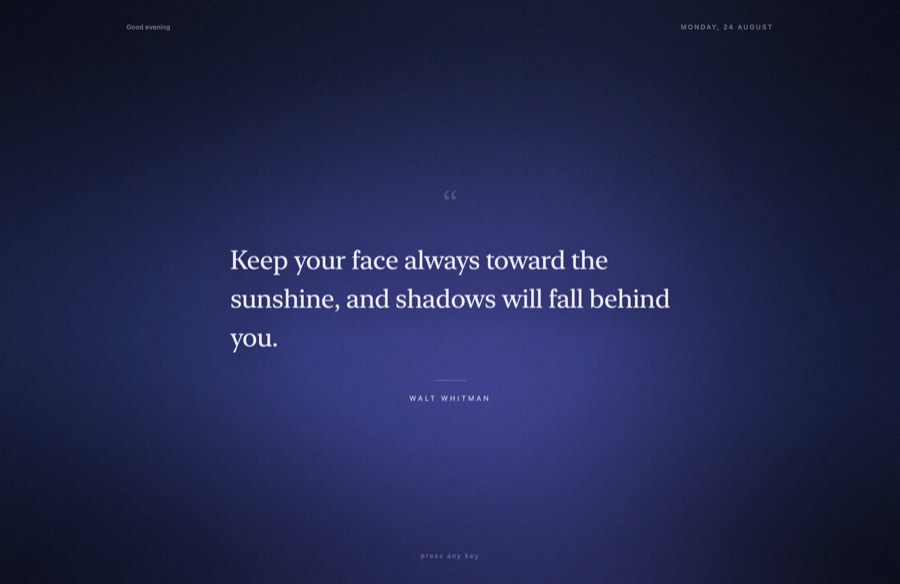
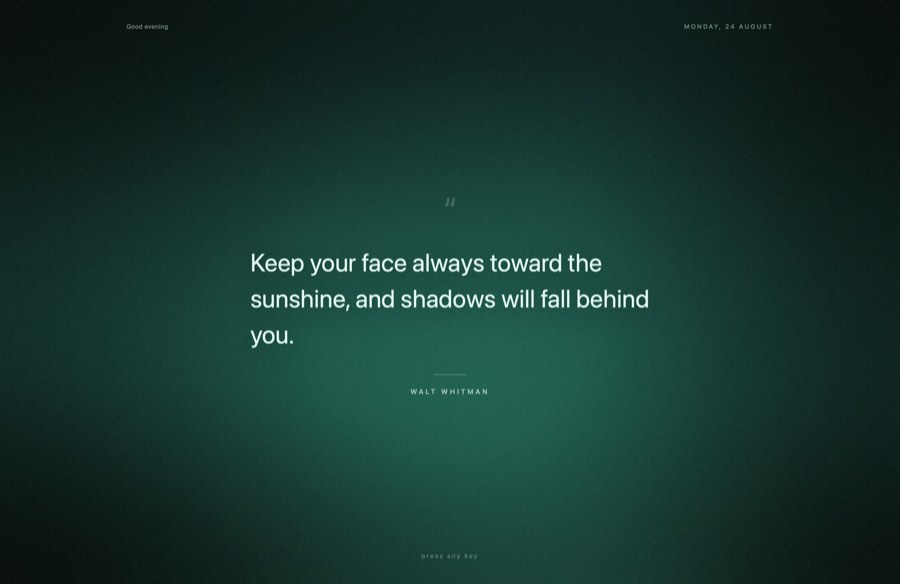
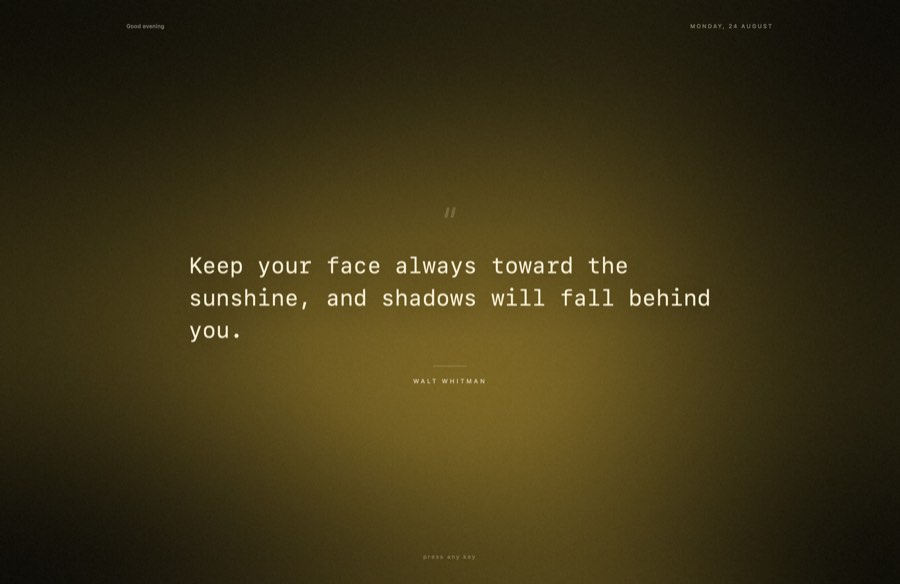
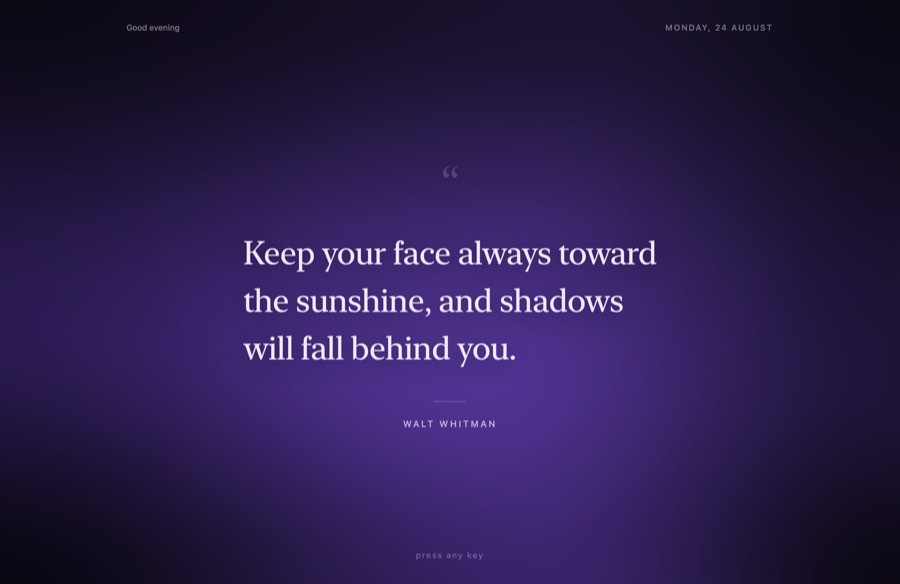
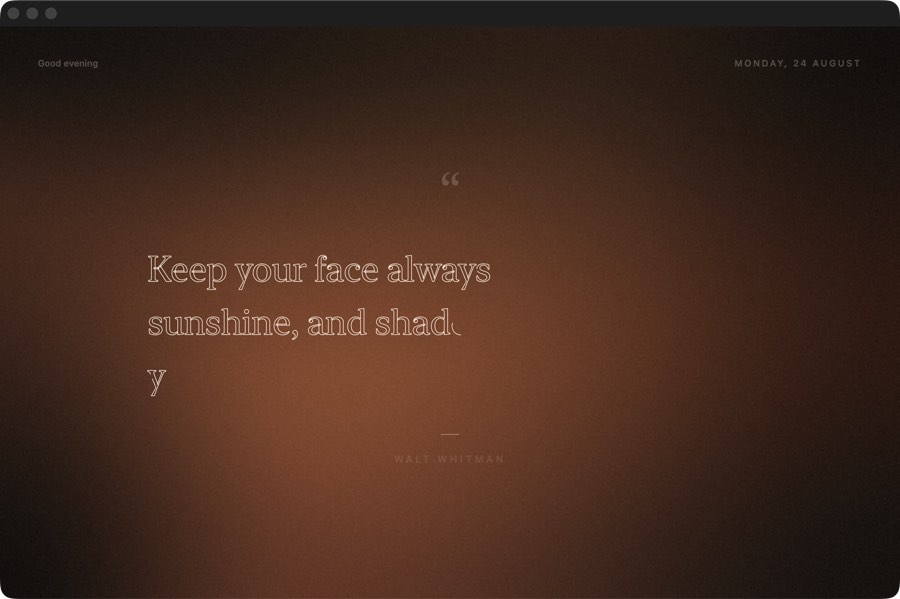
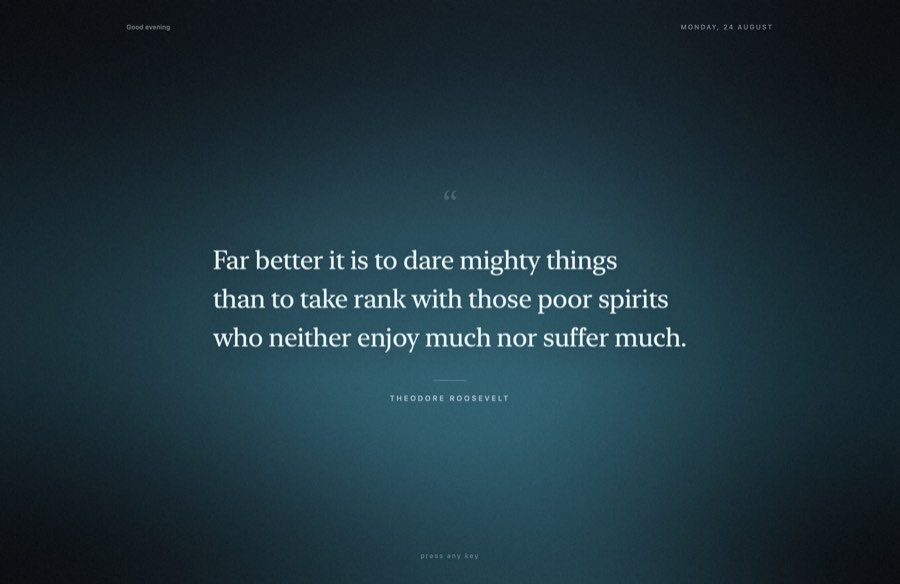
One quote fills the screen when you log in or wake up. Read it, press any key, and get on with your work.

Download for Mac DMG · 0.3 MB

Free. macOS 15 and later. No account, no network needed.

Good evening
press any key
Today’s quote
Palette
Reveal
702 KB binary0 dependencies 124 quotes offlineSwiftUI, nativemacOS 15 and later

How it works

You never have to open it.

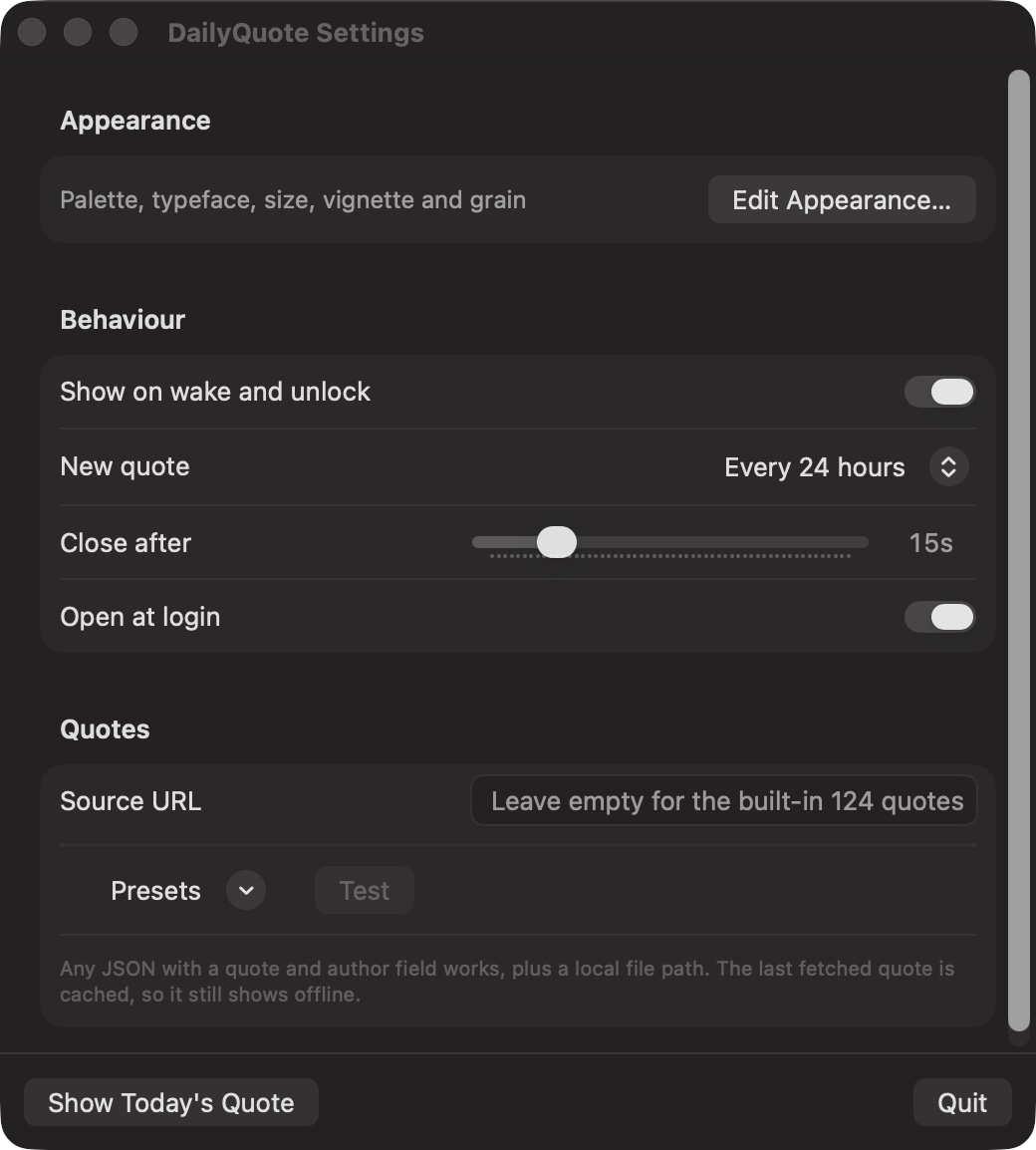
It starts with your Mac and waits quietly in the menu bar. When your screen comes back, so does the quote.

Login
It starts when you sign in.
Wake
Open the lid, and there it is.
Unlock
Unlock the screen, same thing. Once, never twice.
Leaving
Any key or any click. Or it leaves on its own.
Rhythm
A fresh quote every 6, 12 or 24 hours. Or a new one every time.

Make it yours

Change it while you watch.

Press Command E. The quote fills the screen and the controls sit on the right. Move a slider and the screen changes under your hand.

Colour
Seven grounds, or a new one each day
Arrival
Handwritten, faded, typed, rising or blurred
Movement
Drifting, still, breathing, aurora or slow zoom
Type
Four faces, and as big or small as you like
Glass
See through it, all the way to your desktop
Photo
Or one of your own images behind the words, three saved at most
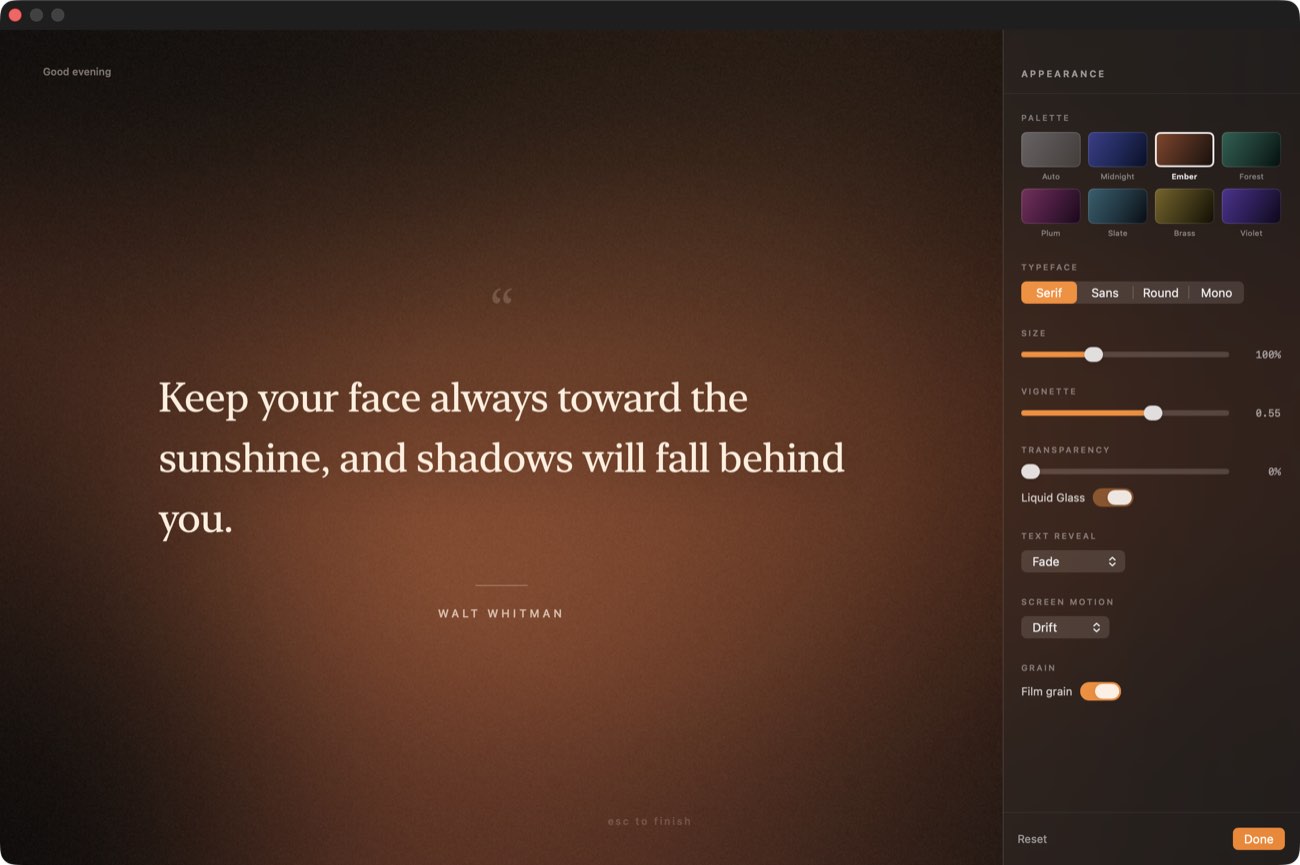
The appearance inspector docked on the right of the quote screen

The inspector, on the real screen
Sources

Or bring your own.

124 quotes come with it, so it works with no internet at all. Want different ones? Paste any quote API and it will read it. It keeps the last one, so a lost connection changes nothing.

// read without configuration
[{ "q": "…", "a": "…" }]                  array of objects
{ "content": "…", "author": "…" }          bare object
{ "quote": { "body": "…", "author": "…" } }  nested wrapper
{ "slip": { "advice": "…" } }              author optional

text   q · quote · text · content · body · quoteText · advice · value
author a · author · by · quoteAuthor · originator · author.name
wrap   data · quote · slip · result · results · quotes · items · contents
zenquotes.iodummyjson.comfavqs.comtype.fit api.kanye.restapi.adviceslip.comapi.chucknorris.ioyour own .json

Get it

Two minutes, then you can forget about it.

No account, no setup screens. Drag it in once and it greets you every morning.

Download for Mac DMG · 0.3 MB

macOS warns once, because nobody paid Apple to vouch for this build. The download button walks you through the three clicks.

DailyQuote.dmg is downloading

Three clicks while it lands.

  1. Step 1

    Drag it in

    Open the DMG. Drag DailyQuote into Applications.

    DailyQuote
    Applications
  2. Step 2

    macOS refuses, once

    Double click the app. macOS says it cannot check it for malware. Click Done. Nothing is wrong. This build has no Apple certificate, so your Mac is careful.

    “DailyQuote” Not Opened

    Apple could not verify “DailyQuote” is free of malware that may harm your Mac.

    Done Move to Trash
  3. Step 3

    Open Anyway

    Open System Settings and go to Privacy & Security. Scroll down, click Open Anyway, then confirm. The warning never comes back.

    Privacy & Security

    “DailyQuote” was blocked to protect your Mac.

    Open Anyway

Then click the quote mark in the menu bar and turn on Open at login. Tomorrow it is already there when you lift the lid.